Ultra Deep Data: Deep Shareholders for Max, even more accurate financials for everyone#
New with Max: Deep Shareholders shows you exactly which shares each shareholder holds, by share number, when they first appear in the shareholder lists and what changed with the latest list. And on every plan, your financial data gets even more accurate, now with source and reporting period, at unchanged prices.
Deep Shareholders costs 80 credits per company, on top of the request's base price. The 80 credits are charged only when current shareholders are delivered. If none are delivered, they don't apply; the base price is charged as usual. Regular shareholder data is still available for 5 credits.
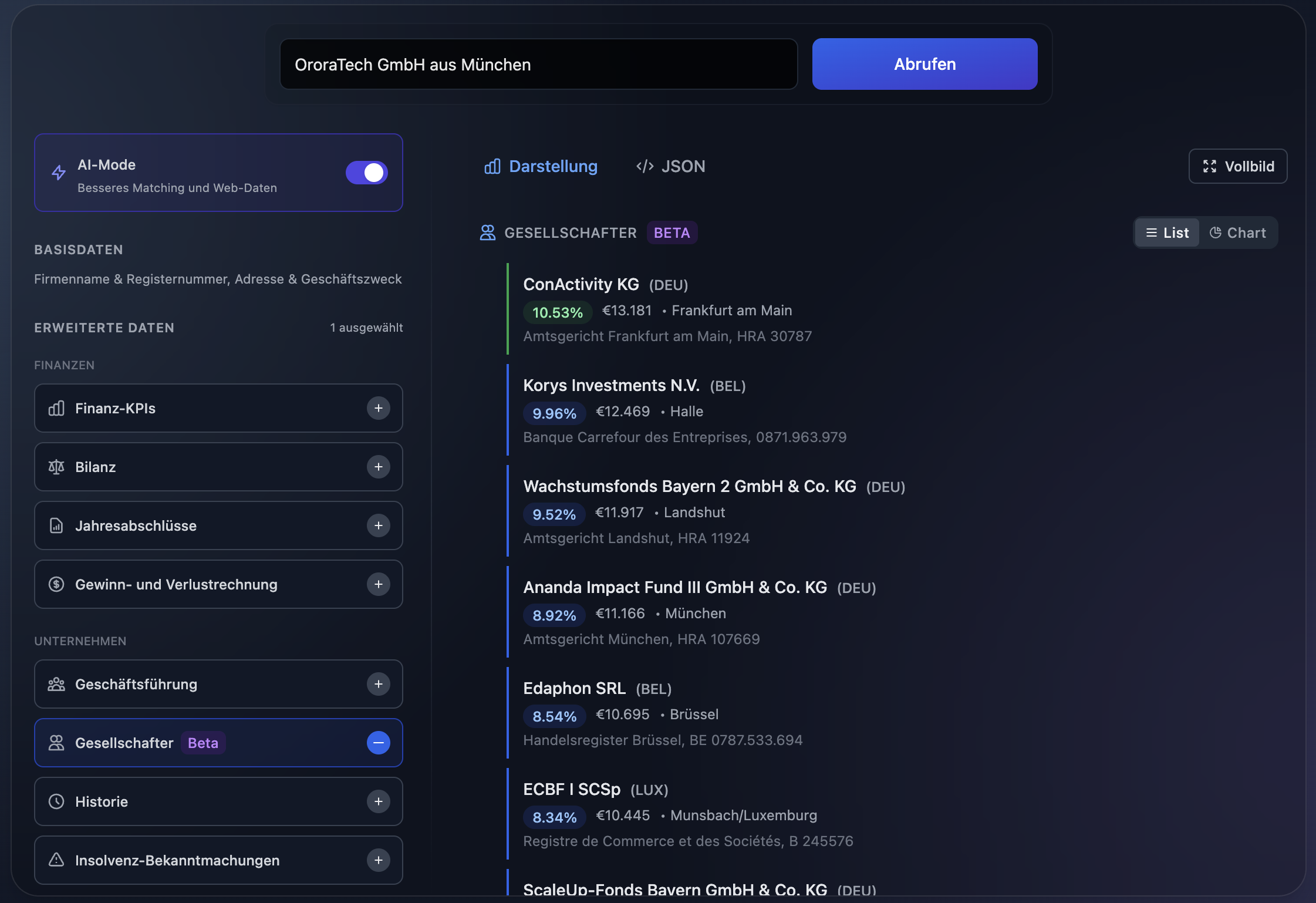
Regular shareholder data shows stakes and nominal amounts, for earlier lists too. Deep Shareholders adds the exact share numbers, when each holder first appears and which shares changed hands. In the example, Musterfirma GmbH has a share capital of €25,000 in 25,000 shares of €1 each. Muster Invest GmbH holds 72% with no. 1–18,000 and has been on record since 2019. Lena Musterfrau holds 28% with no. 18,001–25,000 and is new in the 2024 list.
Try it in the API PlaygroundWhat Deep Shareholders adds Max
- The exact shares. For every shareholder, you see their shares by number, how many there are and the nominal value of each one. Regular shareholder data gives each shareholder's stake and total nominal amount.
- Since when, and with which numbers. See when each shareholder first appears in the lists, and whether they joined around then or may have held their stake even longer. For every earlier list, see who held which share numbers.
- Changes in the latest list. Who joined, who left and whose stake increased or decreased. Thanks to the share numbers, you even see which shares changed hands.
- More precise holders. Where a corporate shareholder can be identified unambiguously, you see its current name and whether it is still active. Joint holdings, such as those of a community of heirs, come with their members, and every percentage tells you whether it follows directly from the list or was calculated from the individual shares.
With Max, use Deep Shareholders in the API and the API Playground.
Even more accurate financial data for everyone
New for the balance sheet, the profit and loss account and the financial metrics, on every plan and at unchanged prices:
- Source and reporting period alongside the figures. You see which statement the figures come from and which period they cover, in the API as well as on the company pages. A fiscal year running from July to June, or a short fiscal year, stands out at once.
- Group figures labeled as such. Some subsidiaries publish their parent's consolidated accounts instead of figures of their own. Wherever the register names the parent, those years are now marked as group figures, with the parent's name.
- Even more accurate figures. We now read the published statements even more precisely. Depending on the statements available, you get more years and more financial metrics. Existing integrations keep working without changes.
Also with Max: activity statements for energy utilities Max
Electricity and gas network operators publish a separate balance sheet and profit and loss statement for each regulated activity, such as electricity distribution. With Max, you get these activity statements in the API and the API Playground at no additional credit cost.
One network operator, several statements: next to the annual statement of the whole company, a separate balance sheet and profit and loss statement for each regulated activity. In the example, Musternetz GmbH has total assets of €48.2m and revenue of €22.6m. Its electricity distribution comes to total assets of €31.4m and revenue of €15.1m, its gas distribution to €12.1m and €5.9m.
Try it in the API PlaygroundAll technical details are in the documentation: Deep Shareholders, financial statements and financial KPIs.